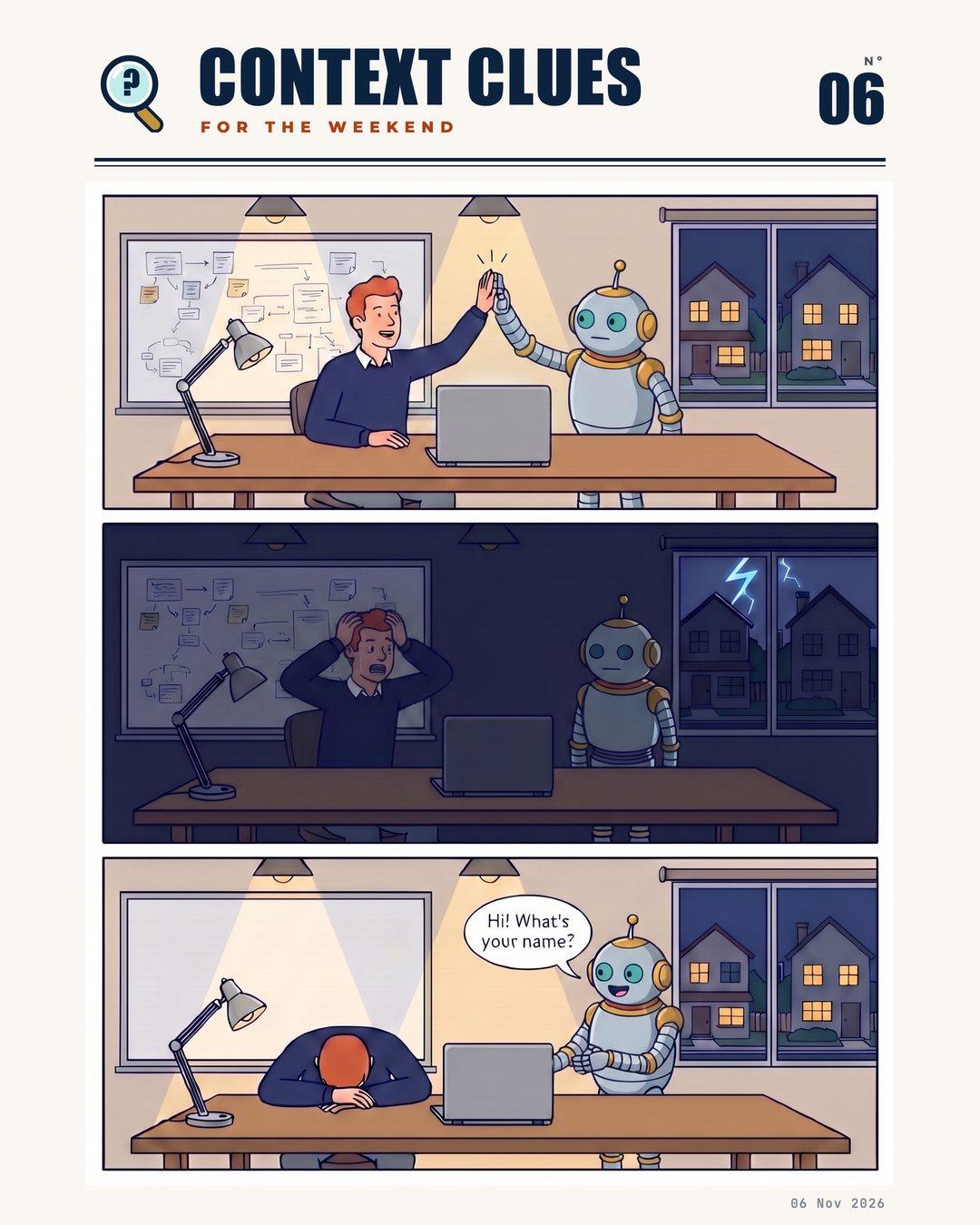
You spent two hours with AI last night. You talked through your business, your voice, and an entire GTM strategy.
Then the power went out.
When it came back, you opened the app.
“Hi! What’s your name? How can I help you today?”
This is the way AI is designed.
Even though the old chat is still in the sidebar, you have to change settings, add context, and configure your custom instructions so you’re not starting every conversation from zero.
Yes, your context belongs in the app, but it also has to be portable as tools change, chats reset, and organizations pivot.
Keep your context anchors somewhere you own and update it as you go so every new chat starts with what it needs to know.
Write it once. Keep it current. Bring it to every app.
This week’s clueYour context should be portable.